Settings
The Settings page centralizes all configuration options for your account and organization in DMARC Examiner. It is organized into seven tabs.
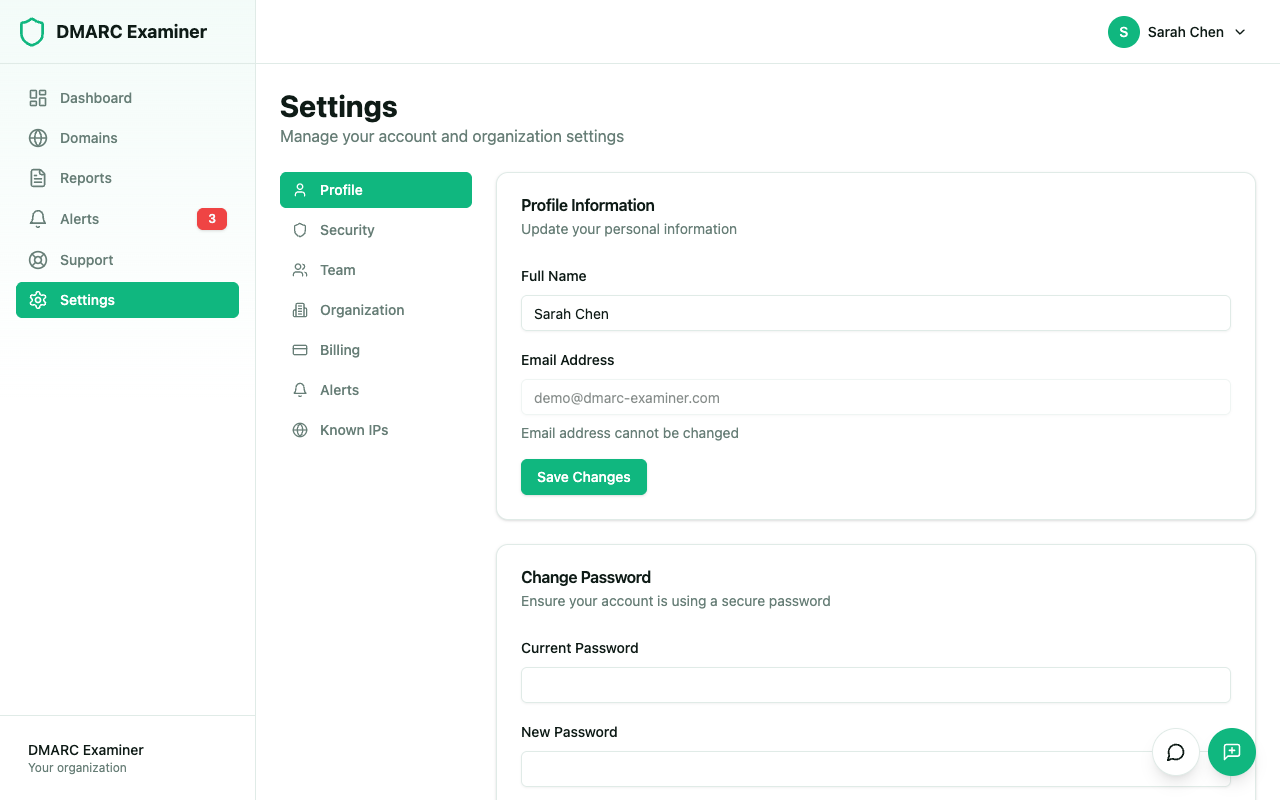
Profile
Edit your personal information:
- First name and Last name — Update your display name
- Email — Displayed for reference but cannot be changed
Security
Manage your account security:
- Change password — Update your current password
- Two-factor authentication — Enable or disable TOTP-based 2FA using an authenticator app
- Google OAuth — Connect or disconnect your Google account for sign-in
Team
View and manage your organization's members:
- See all current members and their roles
- Invite new members by email
- Assign roles — Owner, Admin, or Member
- Remove members from the organization
Organization
View and edit your organization's settings:
- Organization name — Update the name displayed across the platform
Billing
Manage your subscription:
- View your current plan and usage statistics
- Upgrade or downgrade your plan
- Manage your subscription through Polar
Alerts
Configure how you receive alert notifications:
- Email notifications — Enable or disable email alerts
- Digest frequency — Choose between instant, daily, weekly, or no email delivery
- Alert types — Toggle individual alert types on or off (DMARC Failure, New Sender, Volume Spike, DNS Change, Compliance Drop)
- Webhooks — Add and manage webhook endpoints (Pro plan and above)
Known IPs
Manage recognized sending IP addresses:
- Add known IPs with a friendly name and optional description
- Known IPs appear with a green badge in report records, making it easy to identify trusted senders
- Edit or remove existing known IPs