Profile & Security
Your profile and security settings are managed from the Settings page in DMARC Examiner.
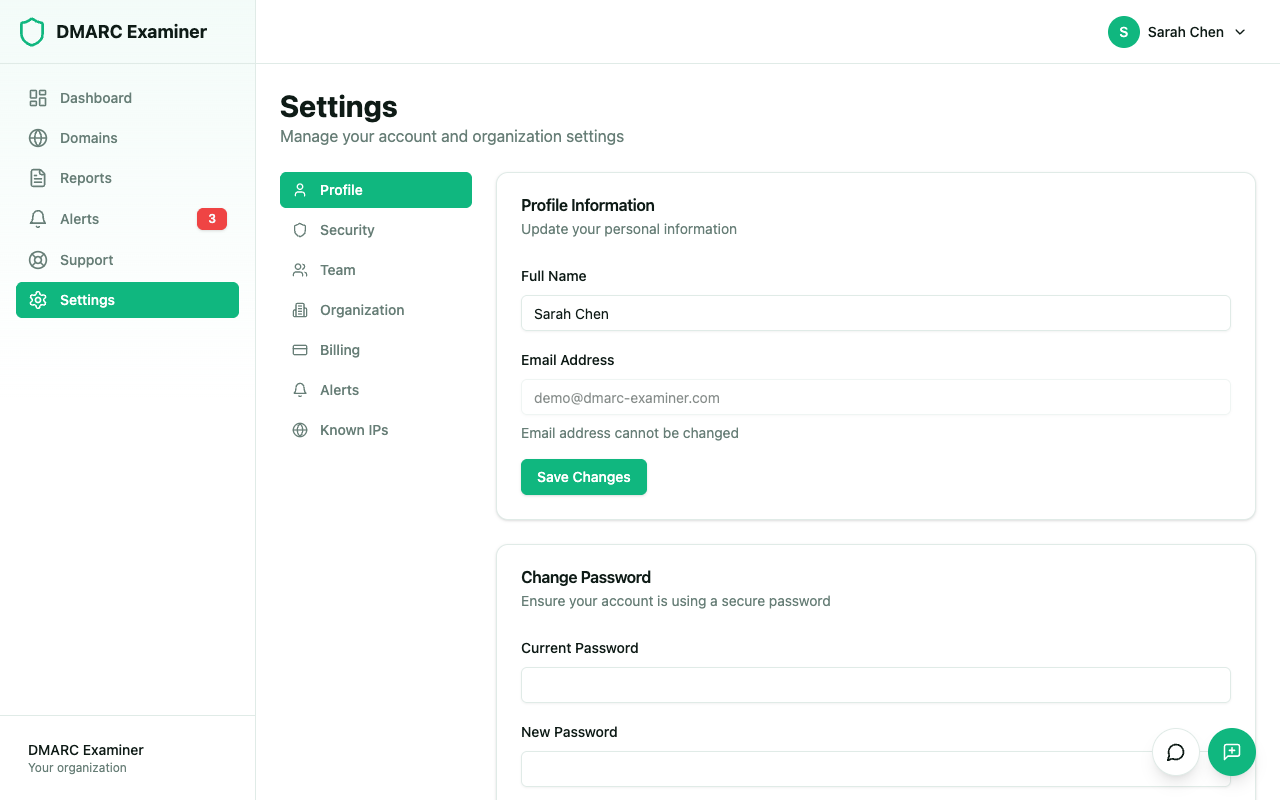
Profile Information
In Settings > Profile, you can update:
- First name — Your first name displayed on the platform
- Last name — Your last name displayed on the platform
Your email address is displayed for reference but cannot be changed.
Change Password
- Go to Settings > Security
- Click on Change Password
- Enter your current password and the new one
- Confirm the change
Passwords must be at least 8 characters long.
Account Security
In Settings > Security, you can:
- Enable or disable two-factor authentication (2FA)
- Connect or disconnect Google sign-in
Delete Account
To delete your account, contact support at support@dmarc-examiner.com. Note that if you are the owner of an organization, you must transfer ownership before you can delete your account.