Domain Management
The Domains section lets you add, verify, and manage all the domains you monitor in DMARC Examiner.
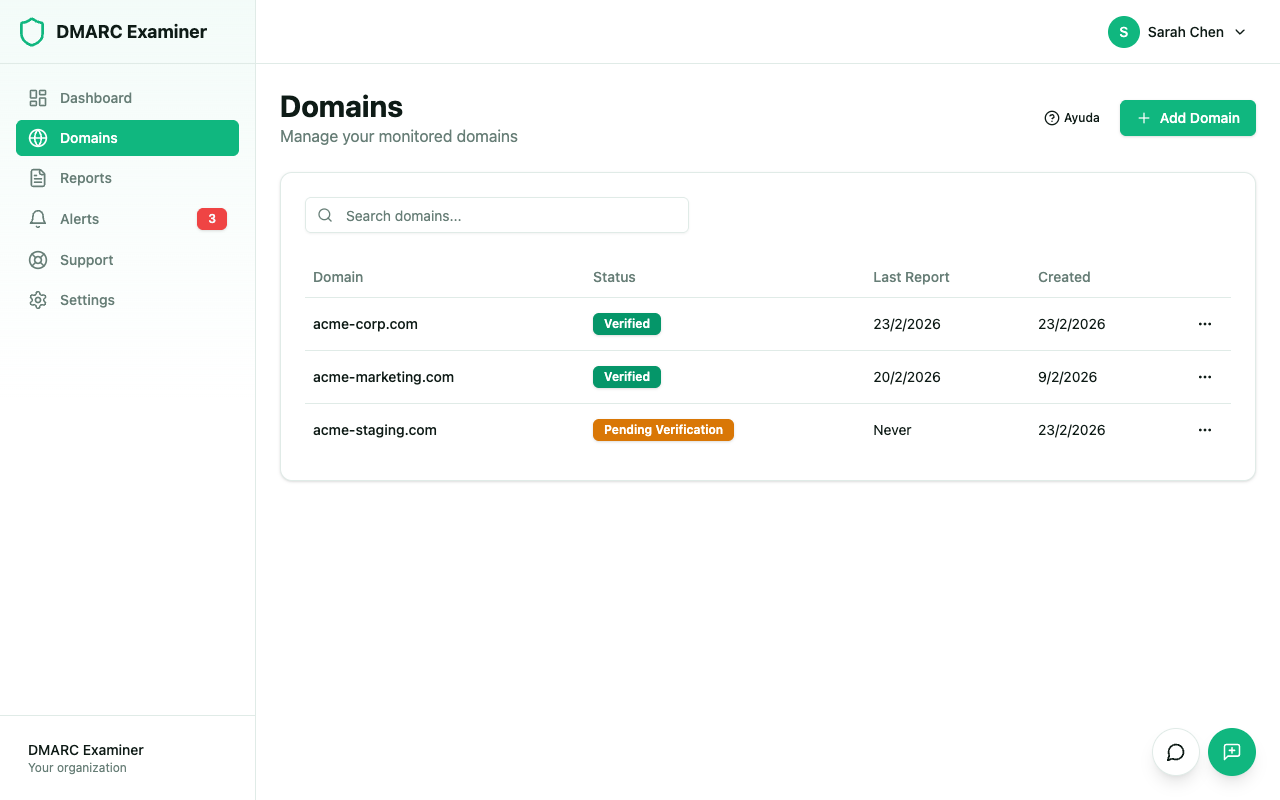
Domain List
The domain list is displayed as a table with the following columns:
- Domain — The domain name
- Status — Current verification status: Verified, Pending Verification, Verification Failed, or Expired
- Last Report — Date of the last processed DMARC report for that domain
- Created — When the domain was added to the platform
You can search for a specific domain using the search filter at the top of the list.
Available Actions
From the list you can:
- Add a new domain — Use the "Add Domain" button in the top-right corner
- View details — Click on a domain to access its reports and configuration
- Verify DNS — Run a manual check of the DMARC record
- Delete a domain — Removes the domain and all its historical data
Limits per Plan
The number of domains you can add depends on your plan:
| Plan | Domains |
|---|---|
| Free | 1 |
| Basic | 3 |
| Pro | 10 |
| Ultimate | 25 |